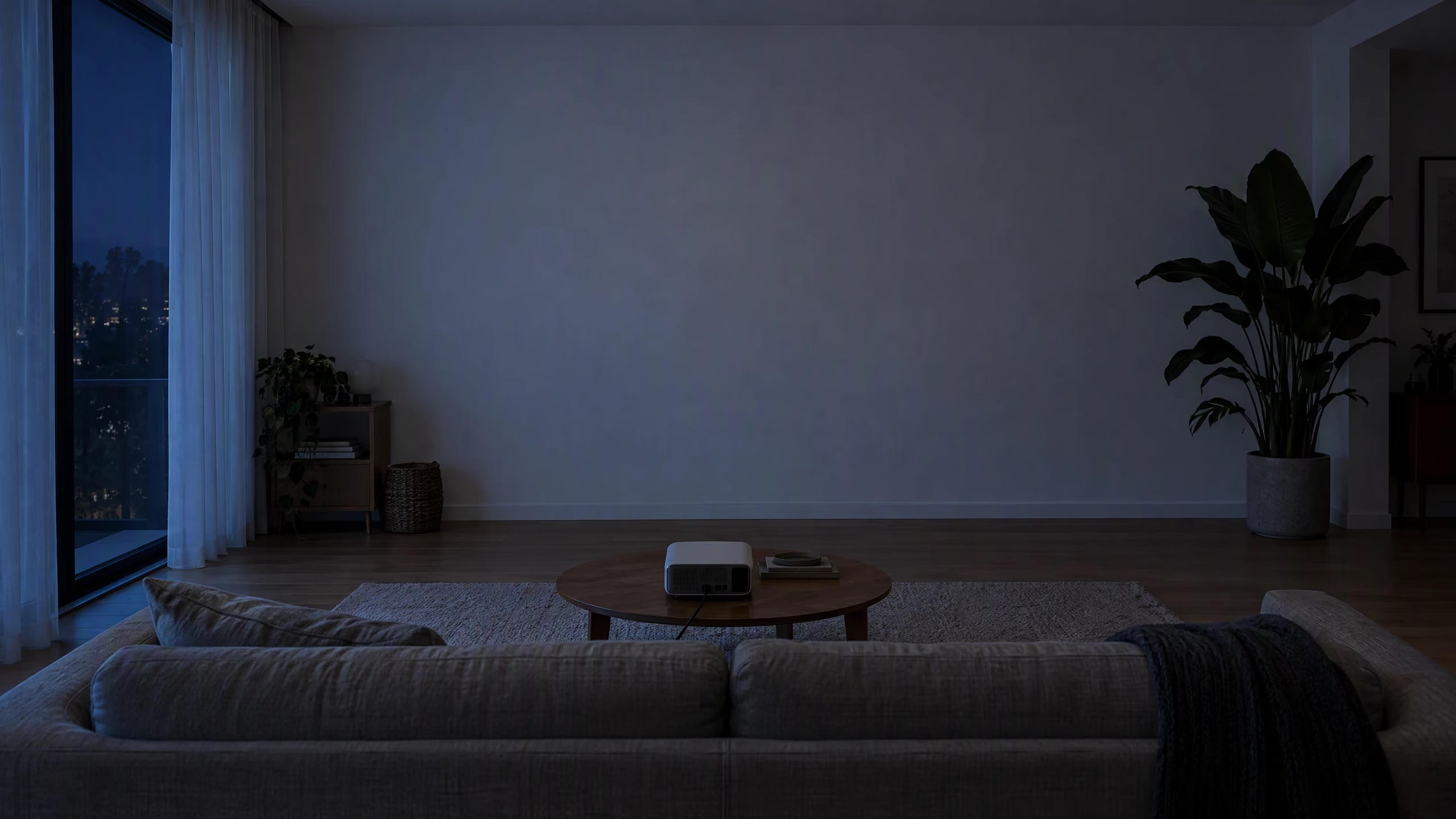
Coming 2027 to iPhone & iPad
Turn any wall into a world.
Glowcast is a projection mapping app for iPhone and iPad. Turn any wall, ceiling or window in your home into a living light show: pick a ready-made scene, fit it in minutes and play it on almost any projector. No laptop, no skills, no paint.
Same wall. Endless worlds.
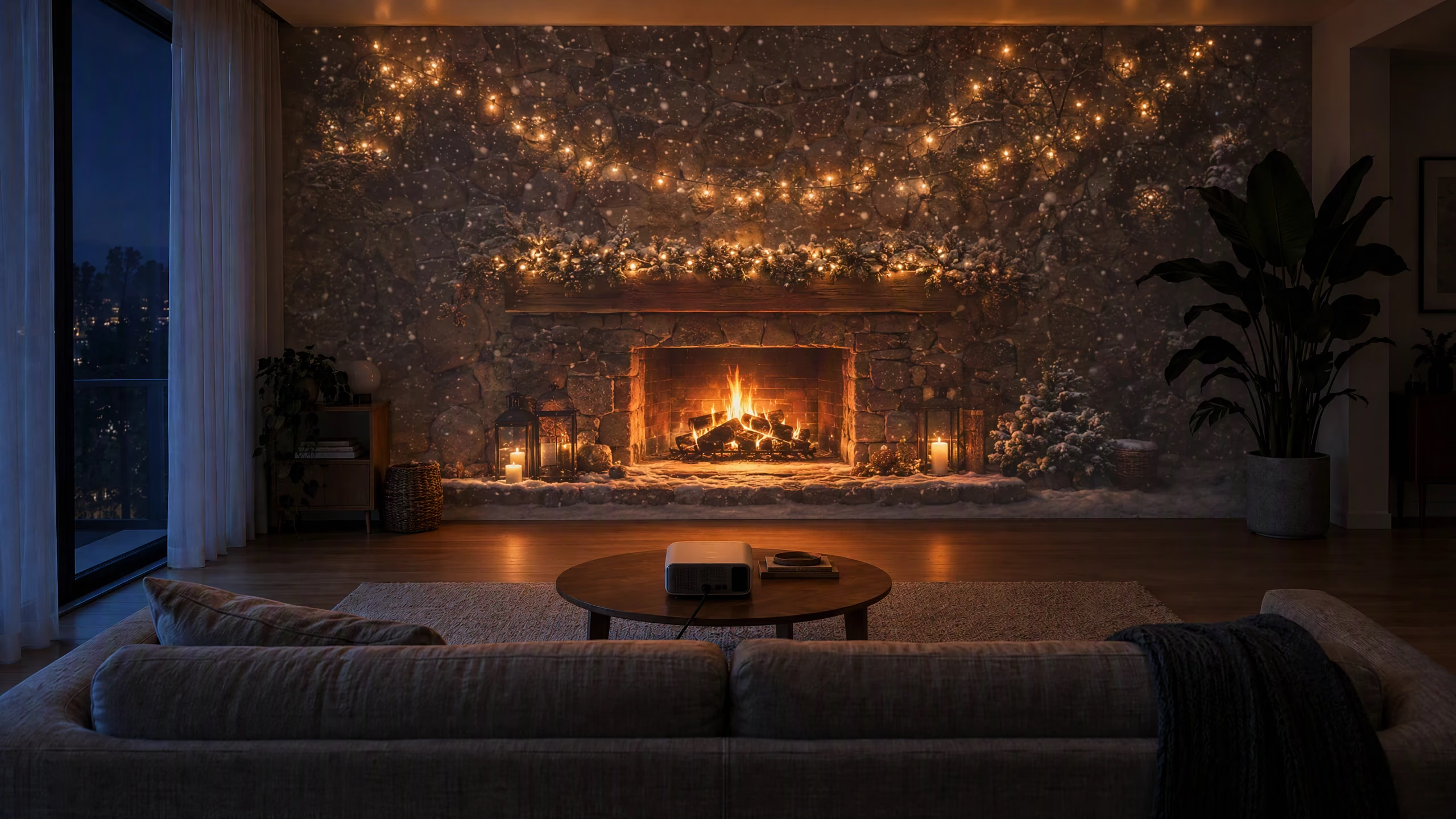
Calm evenings
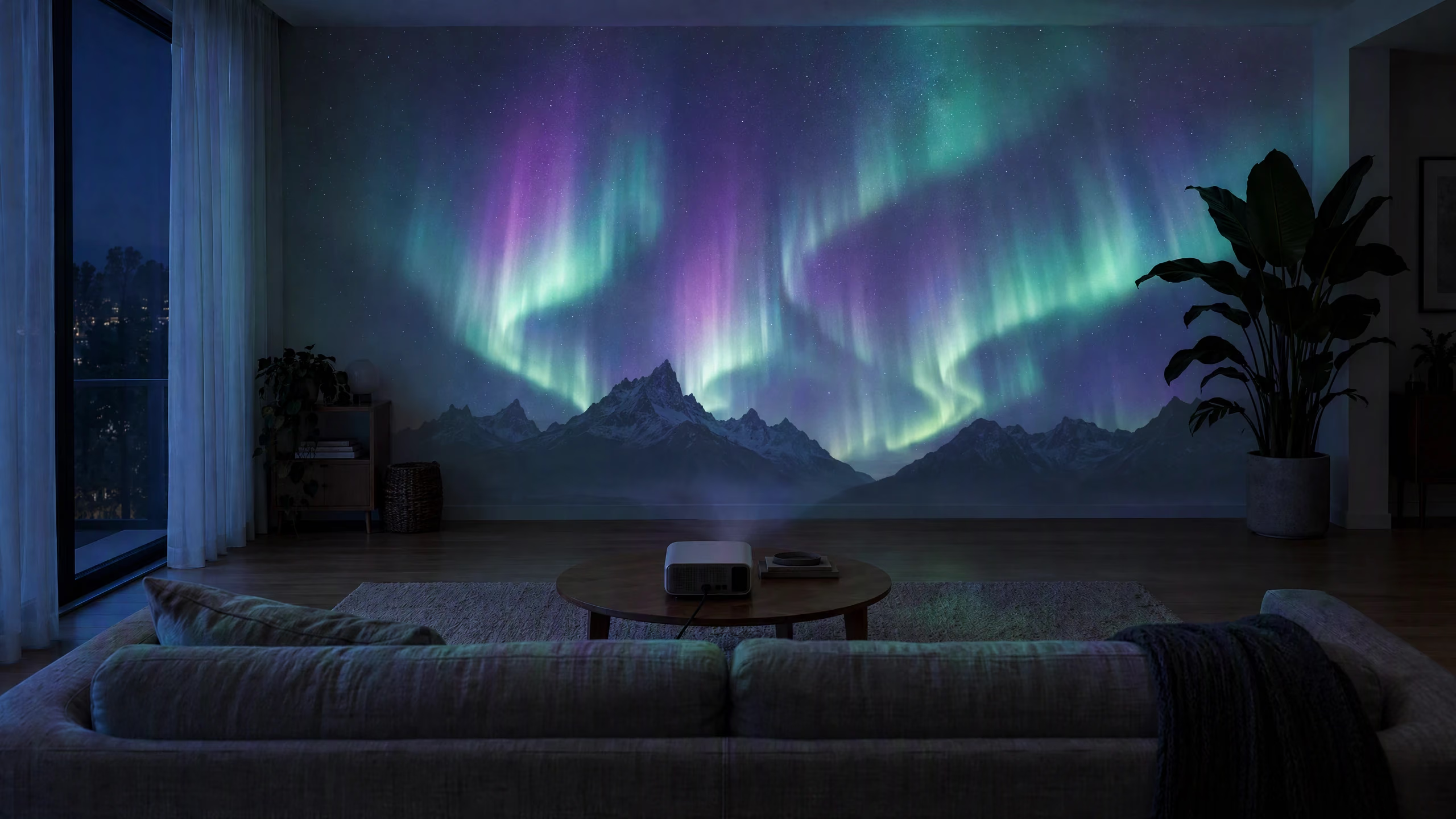
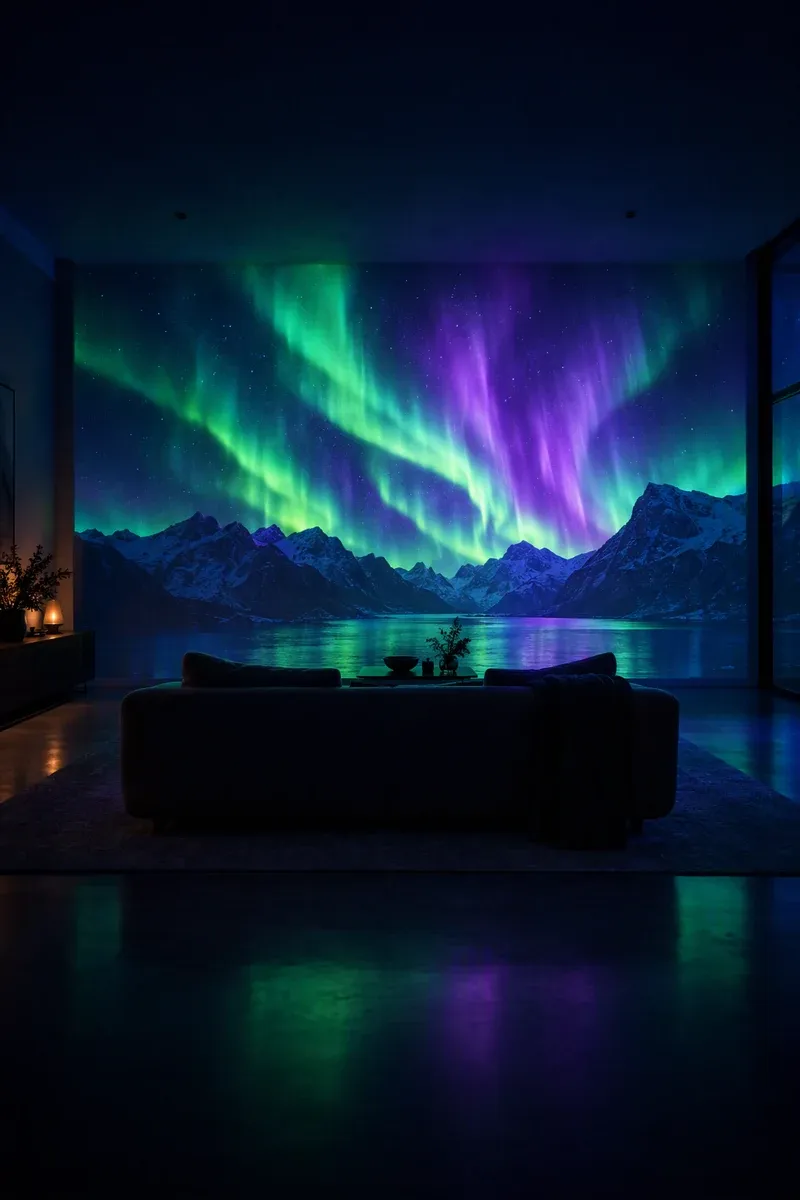
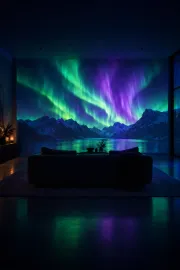
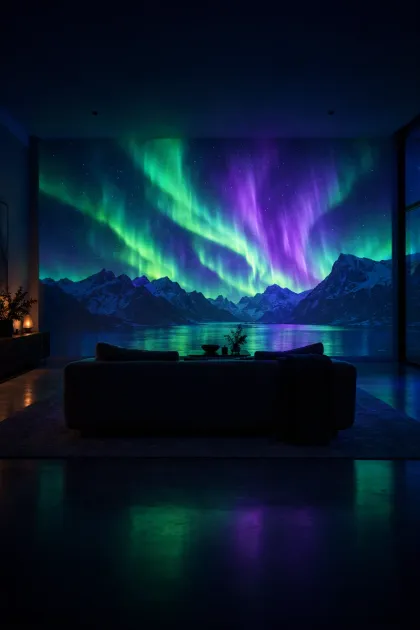
Northern Lights
Slow ribbons of aurora over the mountains. The easiest way to make a room feel brand new.
What is Glowcast?
Glowcast is a projection mapping app for iPhone and iPad. Pick a scene, fit it to your wall, ceiling or window, and press play. Your room becomes the screen.
- No laptop
- Everything runs on your phone or tablet: fitting, playback, music sync and sleep timers.
- Any small projector
- In a dim room 300 to 1,000 lumens is plenty. Connect with an HDMI adapter or AirPlay.
- Renter-friendly
- No paint, nails or stickers. Switch it off and the wall is just a wall again.
What is projection mapping?
Projection mapping means fitting video to real surfaces instead of throwing a flat rectangle at the wall. The light wraps around your TV, stops at the ceiling line, fills a picture frame exactly or follows the curtains. Glowcast turns that into a three-minute, corner-by-corner guided fit.
Ideas for every room
Your home has more screens than you think.
Walls, ceilings, curtains, frames, even the dinner table. If light can land on it, Glowcast can fit a scene to it.
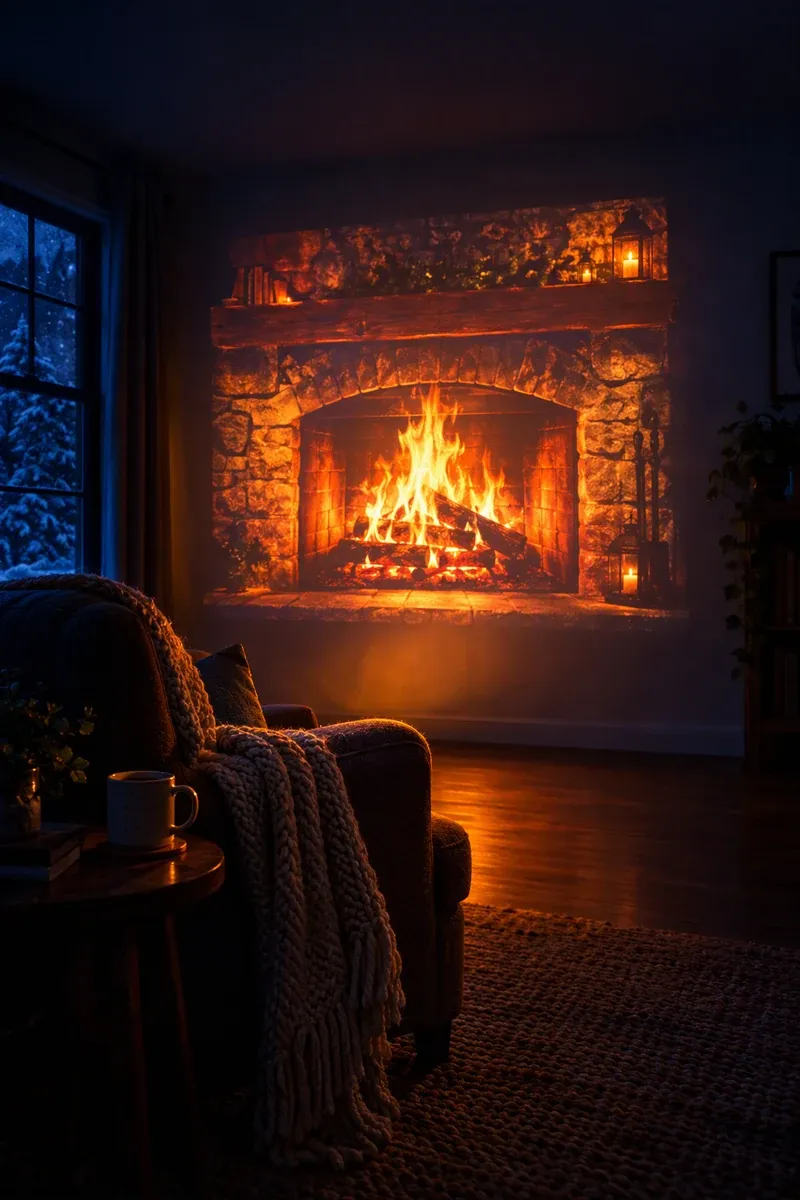
01 · Living roomChange the mood, not the furnitureAuroras, rain on glass, slow galaxies. A new room every evening, gone with one tap. 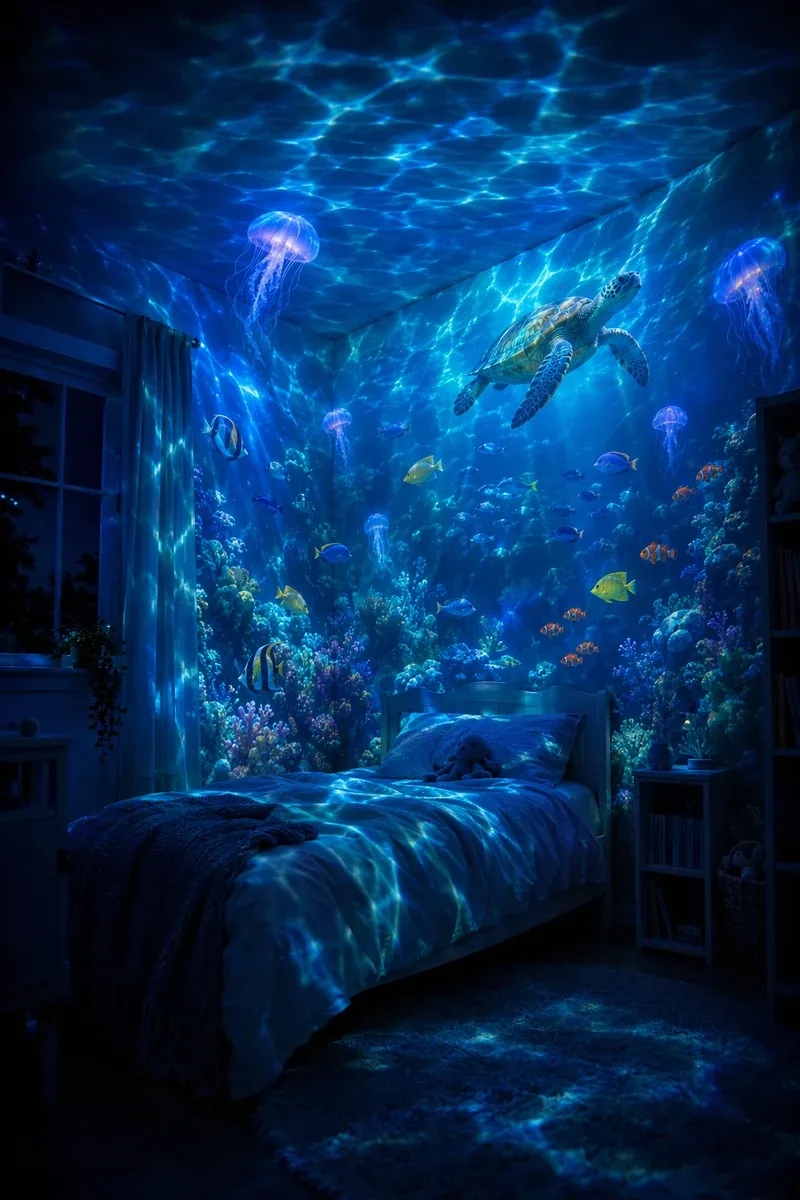
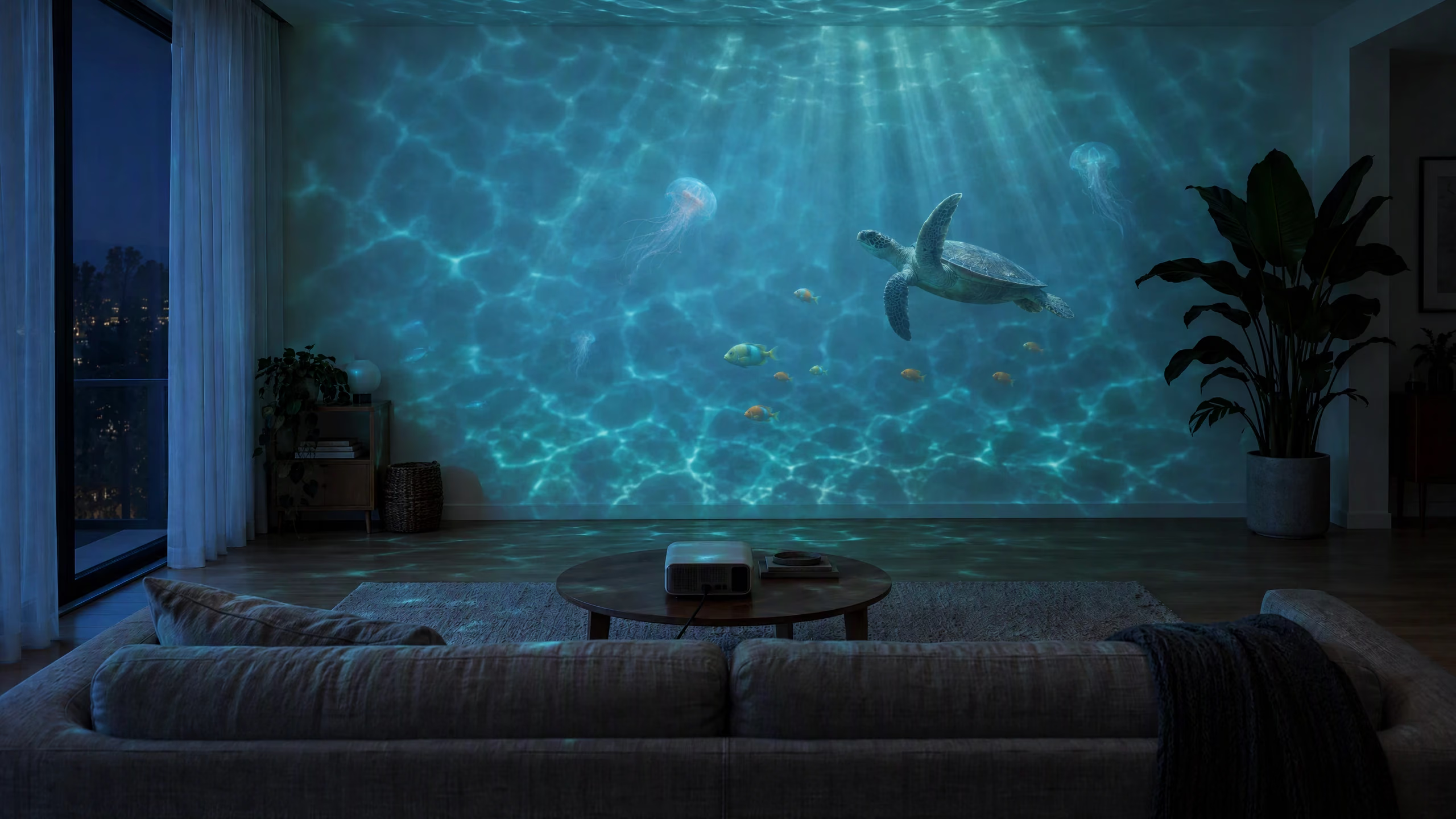
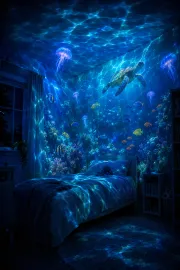
02 · Kids’ bedroomBedtime under the seaOcean, space and dinosaur worlds with a sleep timer that fades out when they drift off. 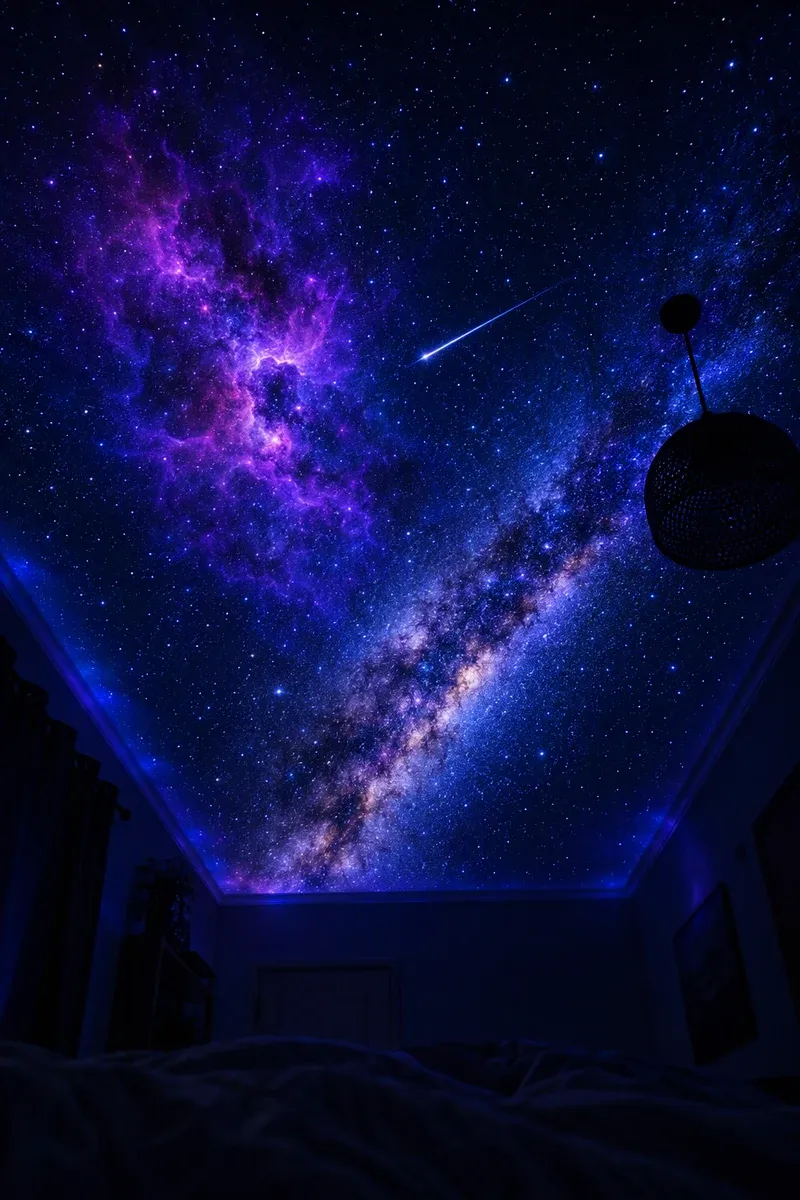
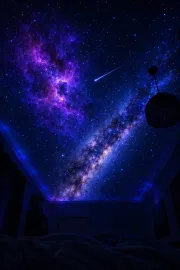
03 · CeilingSleep under the starsPoint the projector up from the nightstand for a slow-turning night sky. 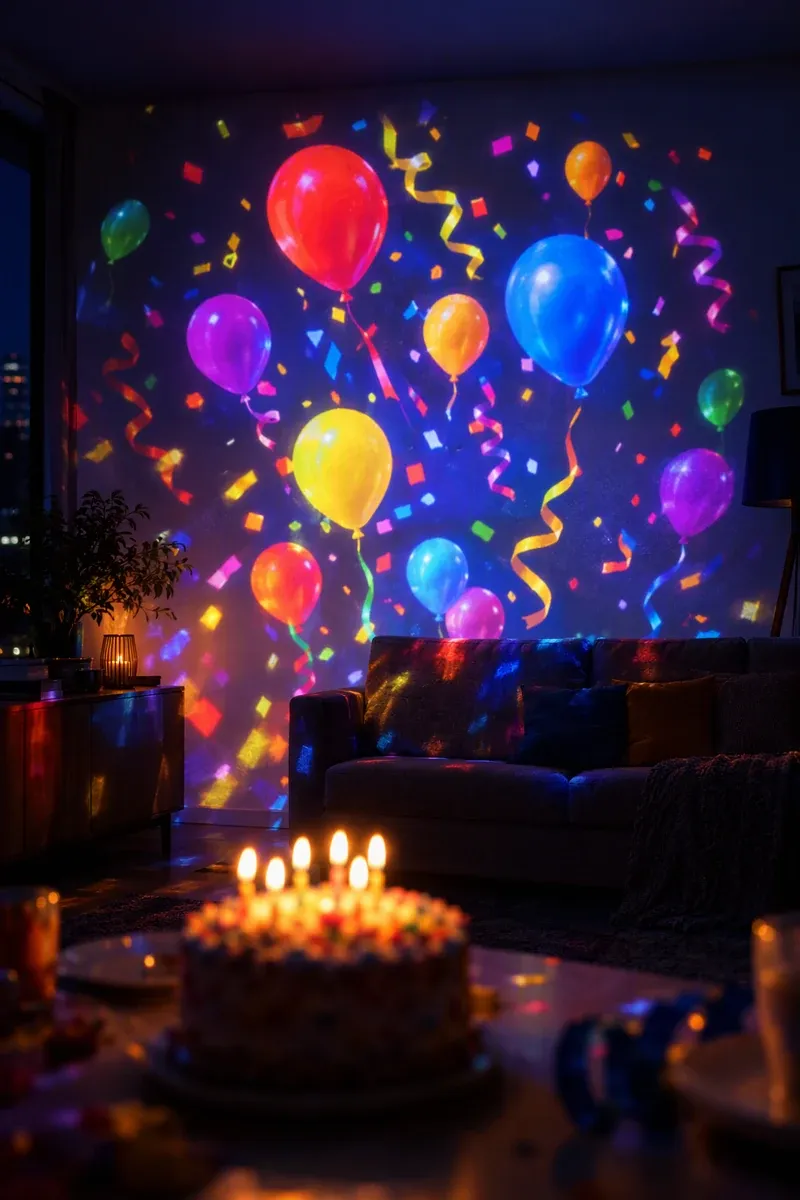
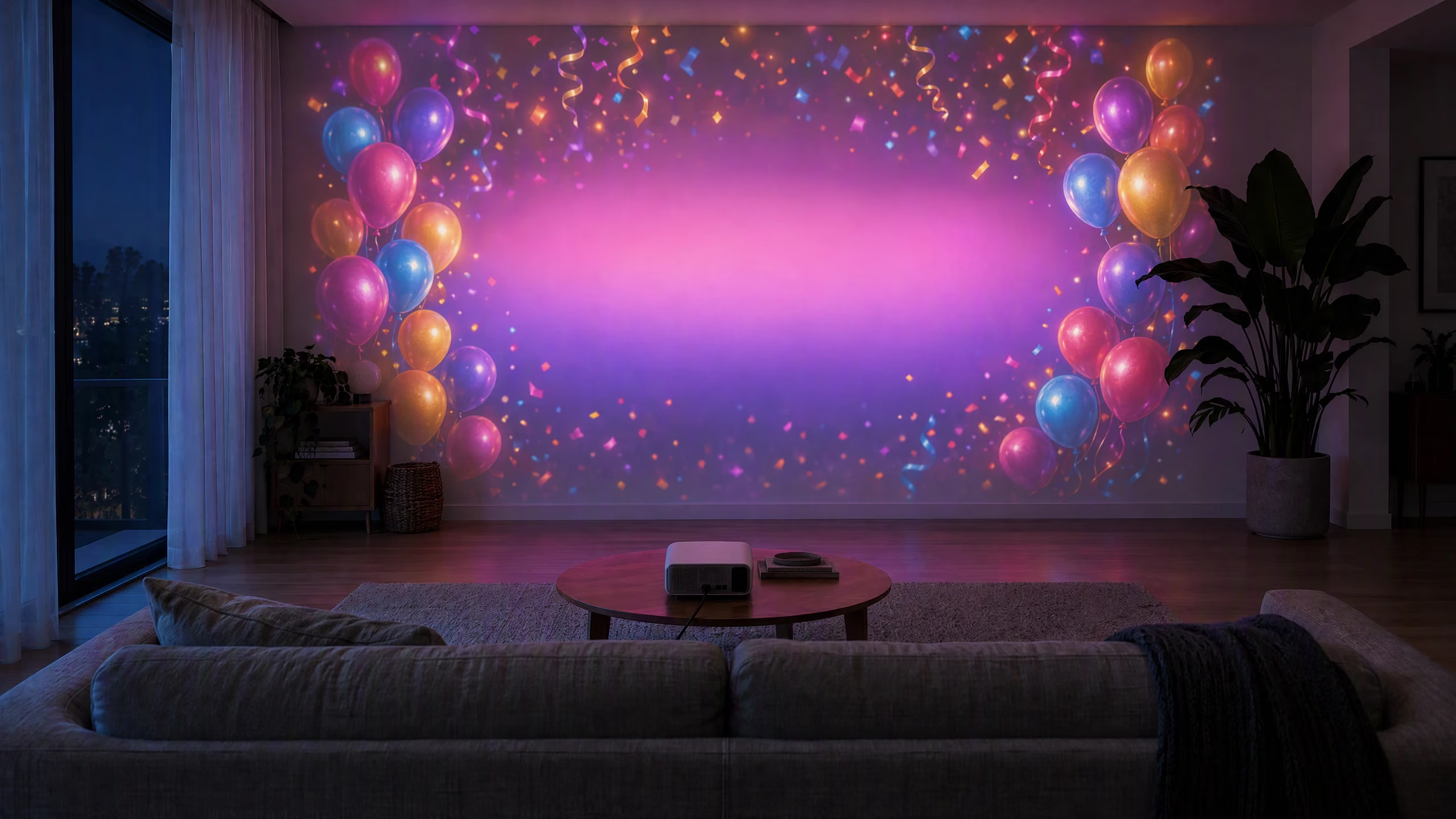
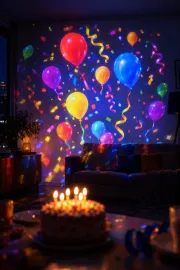
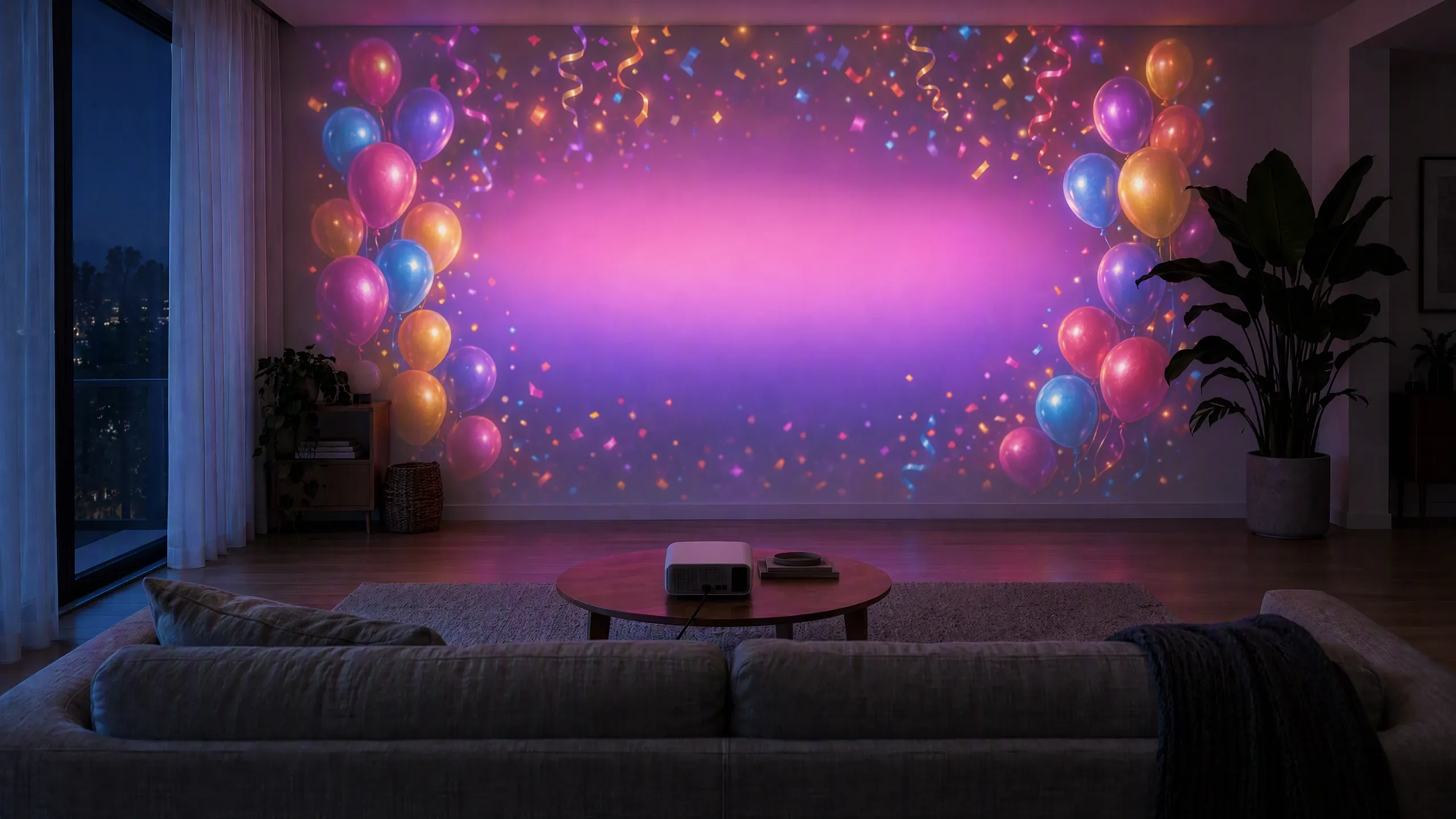
04 · PartiesTheir name in lightsBirthday walls with names, photos and confetti that pulse to your playlist. 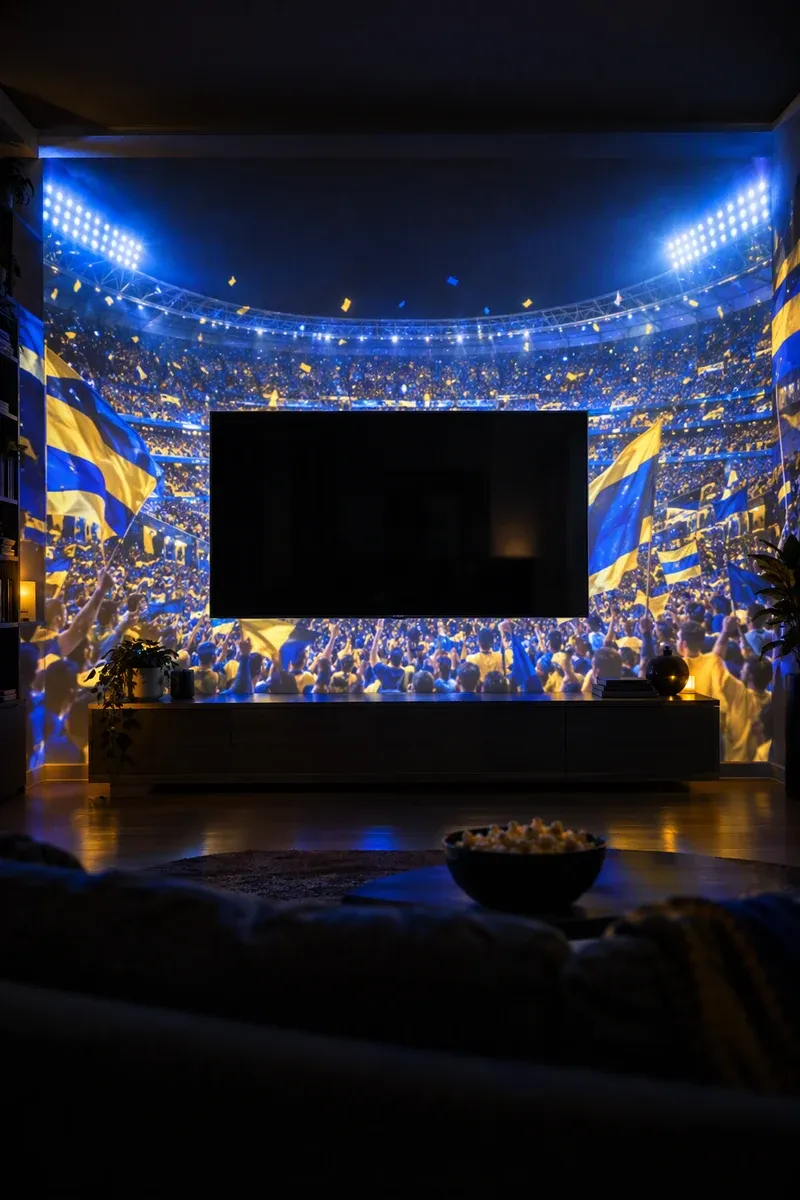
05 · Movie & match nightMake the TV the centre of a stadiumCrowd, floodlights and team colours wrap around the TV while the TV area stays dark. 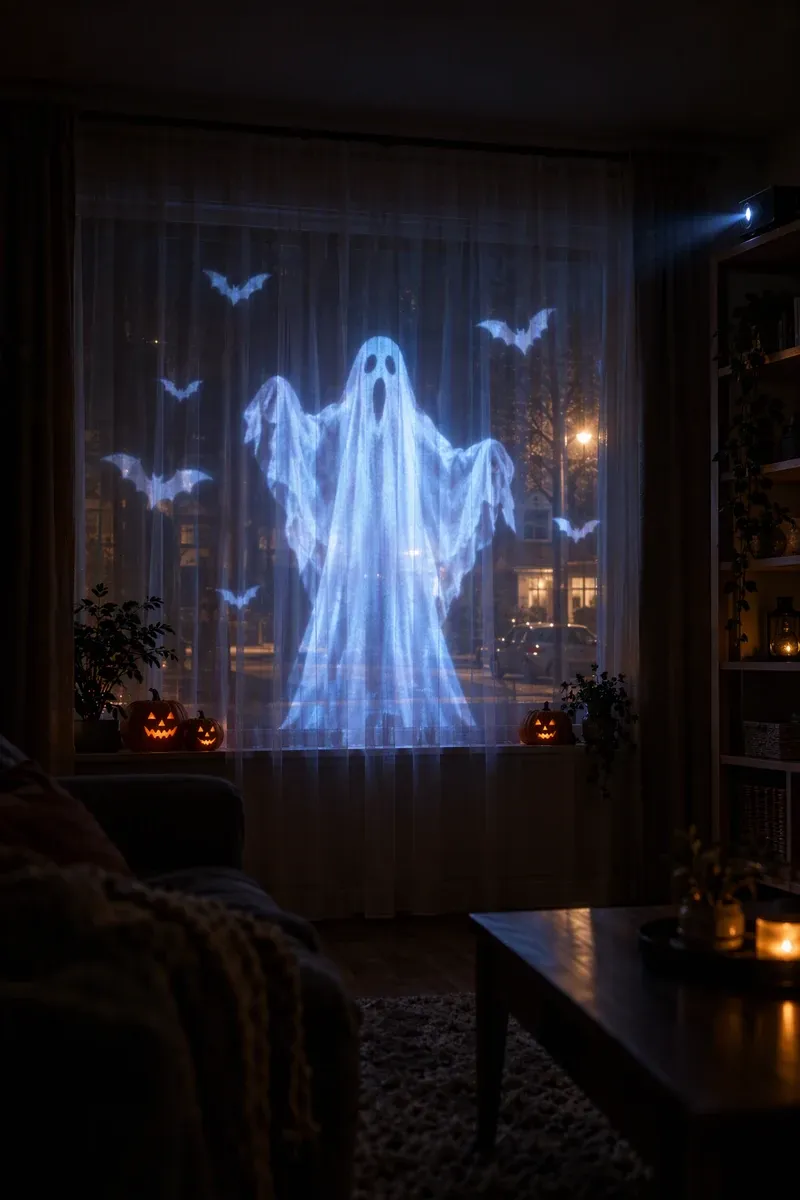
06 · WindowsSpooky from the street, cosy insideProject ghosts onto a sheer curtain for trick-or-treaters without stepping outside. 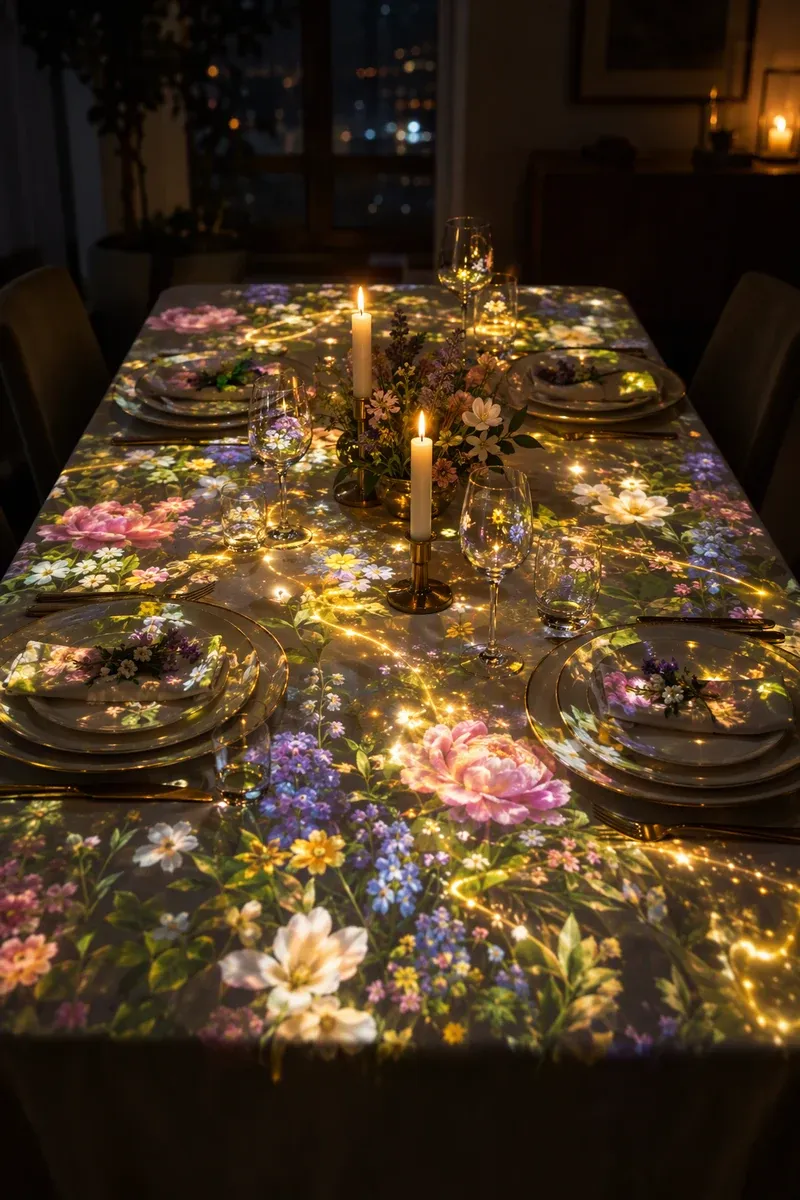
07 · Dinner tableA table that bloomsFlowers and light that flow around the plates for date nights and holiday dinners. 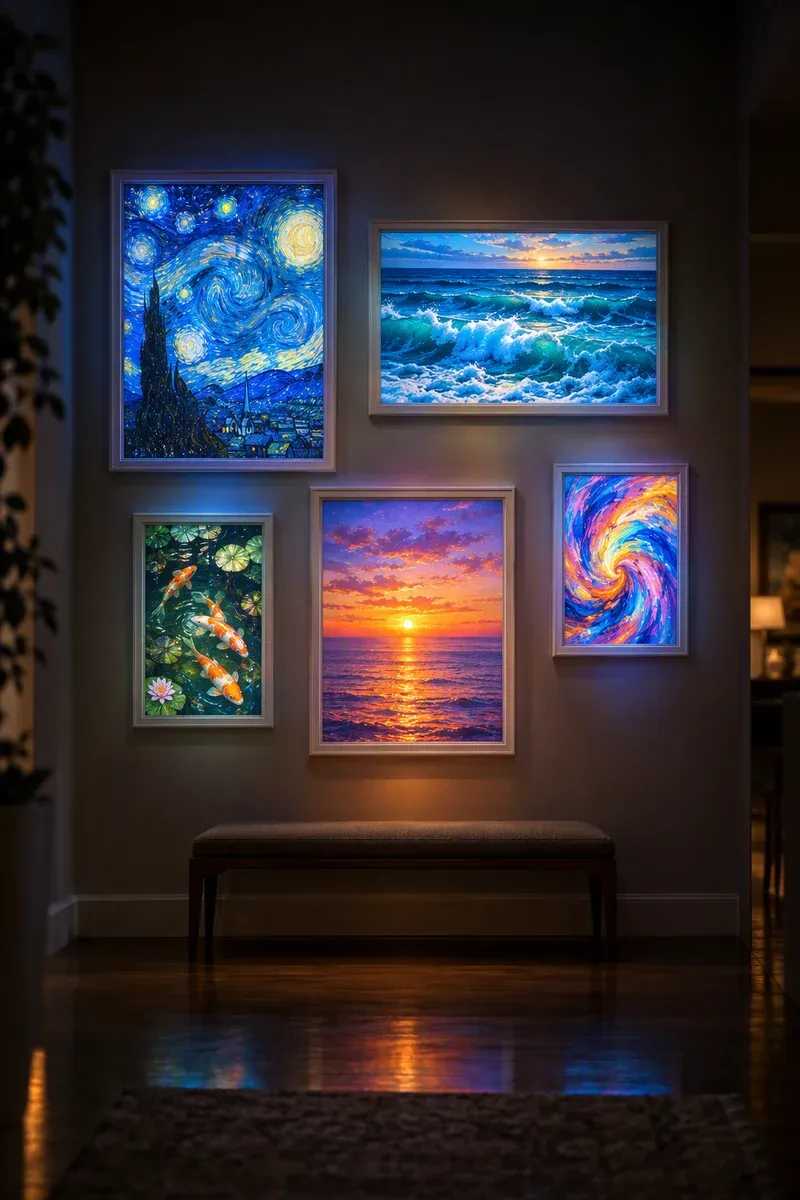
08 · HallwayFrames that come aliveFill empty picture frames with living paintings, each one fitted to its frame. 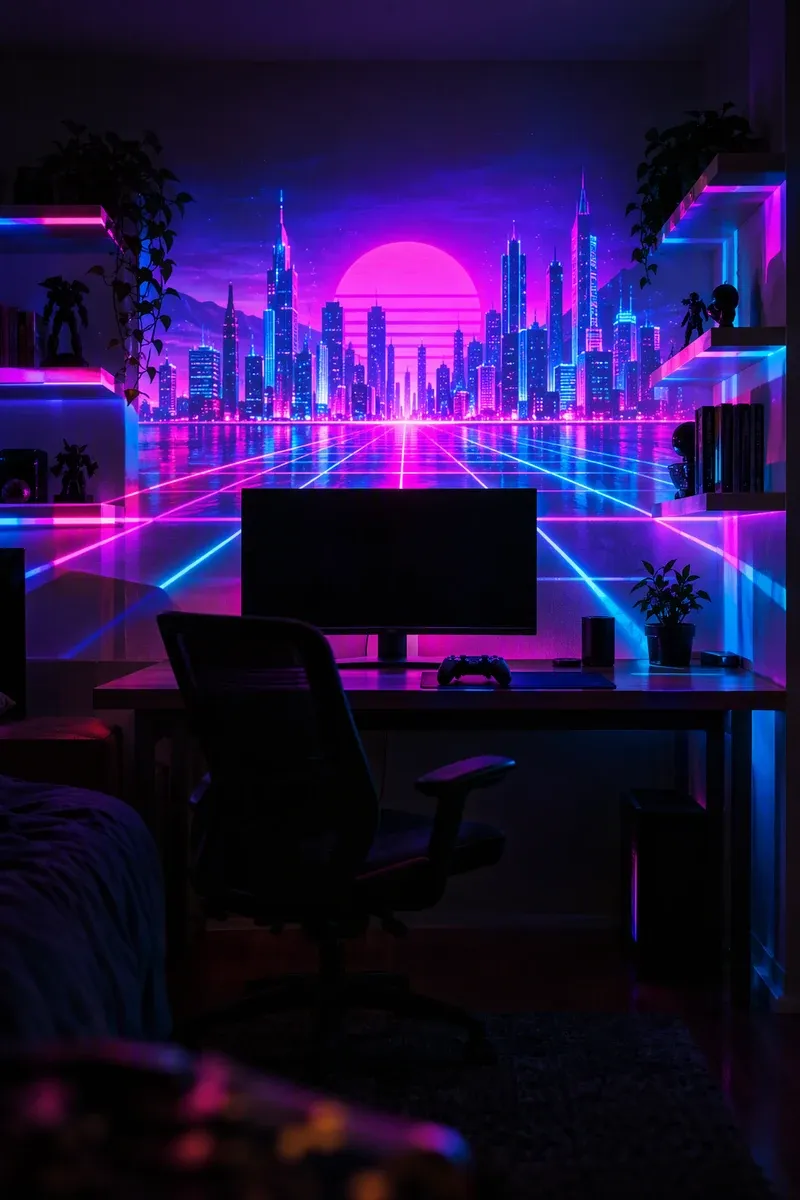
09 · Game roomYour setup, extendedNeon cities and slow synthwave horizons behind your desk or console. 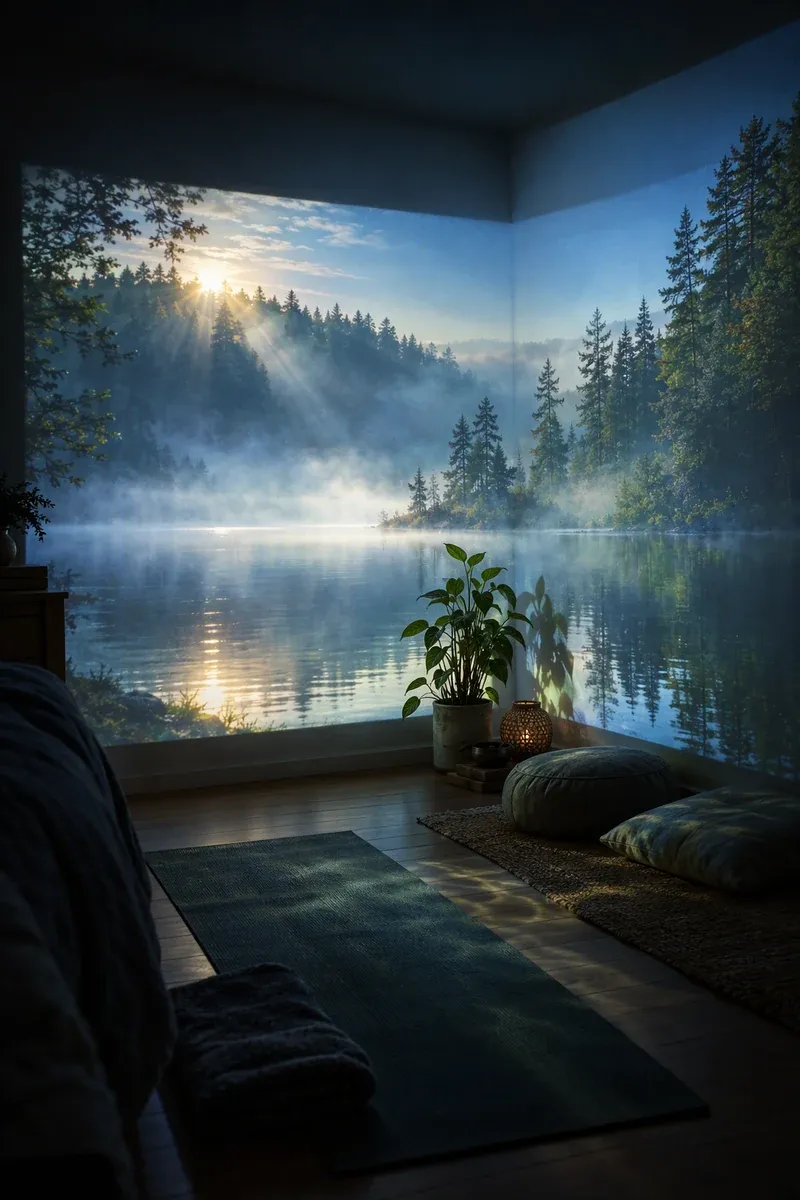
10 · Wind downBreathe with the roomMisty lakes and soft waves for yoga, reading or falling asleep.
How it works
From blank wall to wow in three minutes.
No timelines, no video software. Glowcast walks you through it one surface at a time.
- 01
Pick a scene
Browse by room and mood: living-room walls, kids’ ceilings, party walls, windows, the TV wall or a picture frame.
- 02
Fit it to your wall
Drag the corners onto your wall, ceiling or frame. Mask out the TV, a shelf or a doorway so the light only lands where you want it.
- 03
Press play
Add a name or photo, let it move with your music, set a sleep timer, and enjoy. Nothing to paint, hang or clean up.
Make it yours
Their name, in lights.
Every party scene has slots for names, ages, photos and colours. Try it: type a name and watch the wall.
In the app you can also drop in a photo, pick the age and match the colours to the balloons.
Templates
Ready-made scenes for every room.
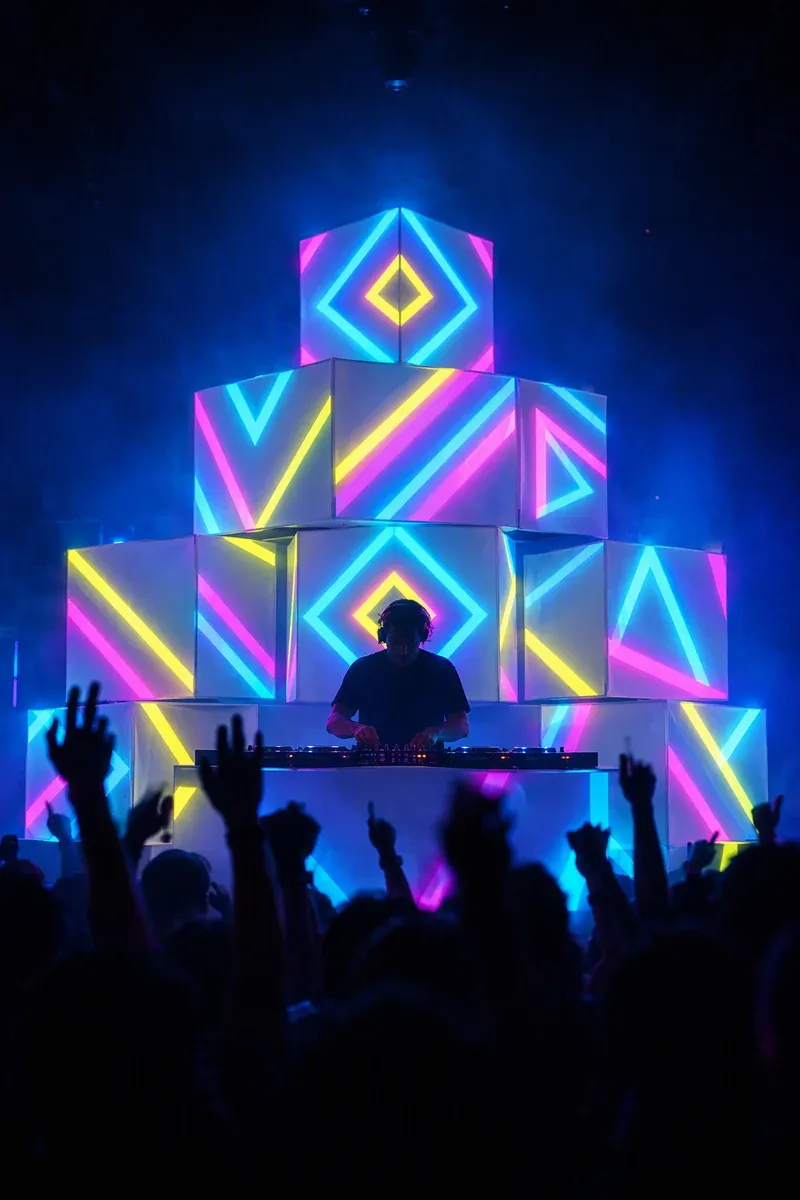
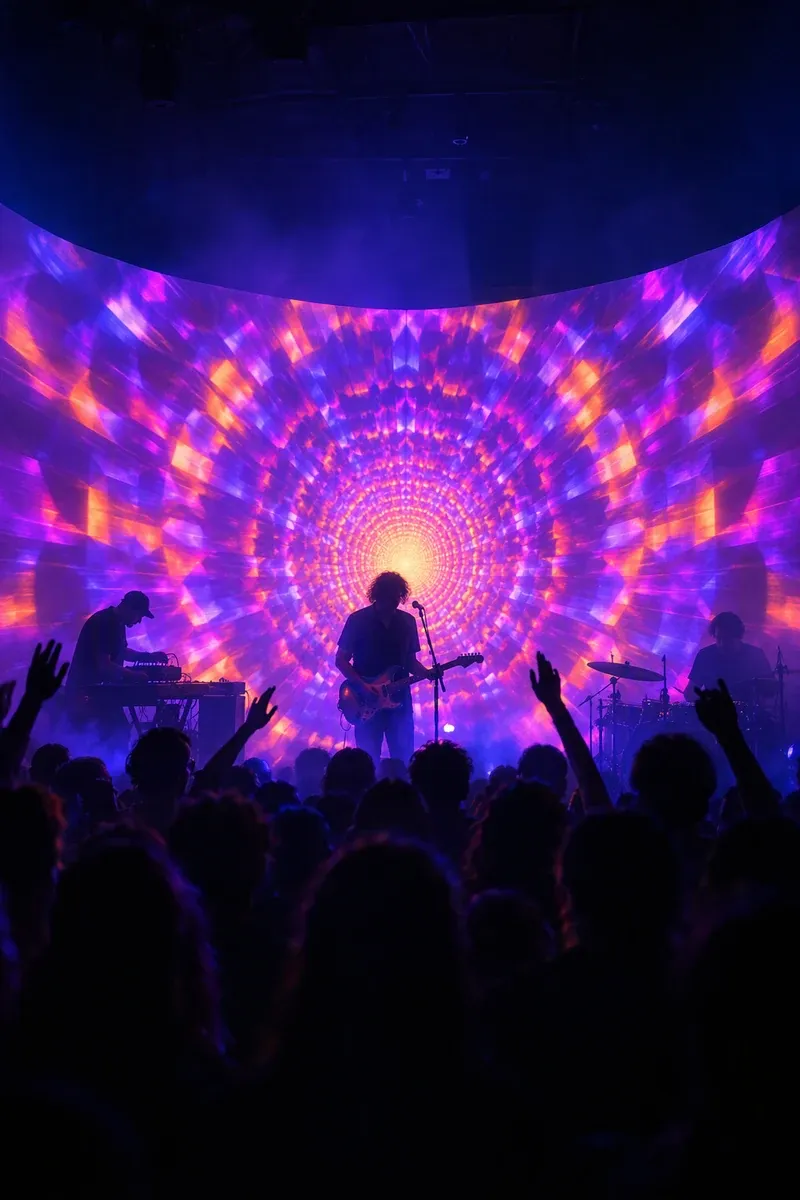
Every scene is built from slots like Wall, Ceiling, Frame and TV mask, so the light lands exactly where it should. Pick a layout for your room, then swap the mood any night.
- Free
- Free
- Free
- Pro
- Pro
 Free
Free- Pro
- Pro
- Free
- Pro
 Pro
Pro- Pro
 Pro
Pro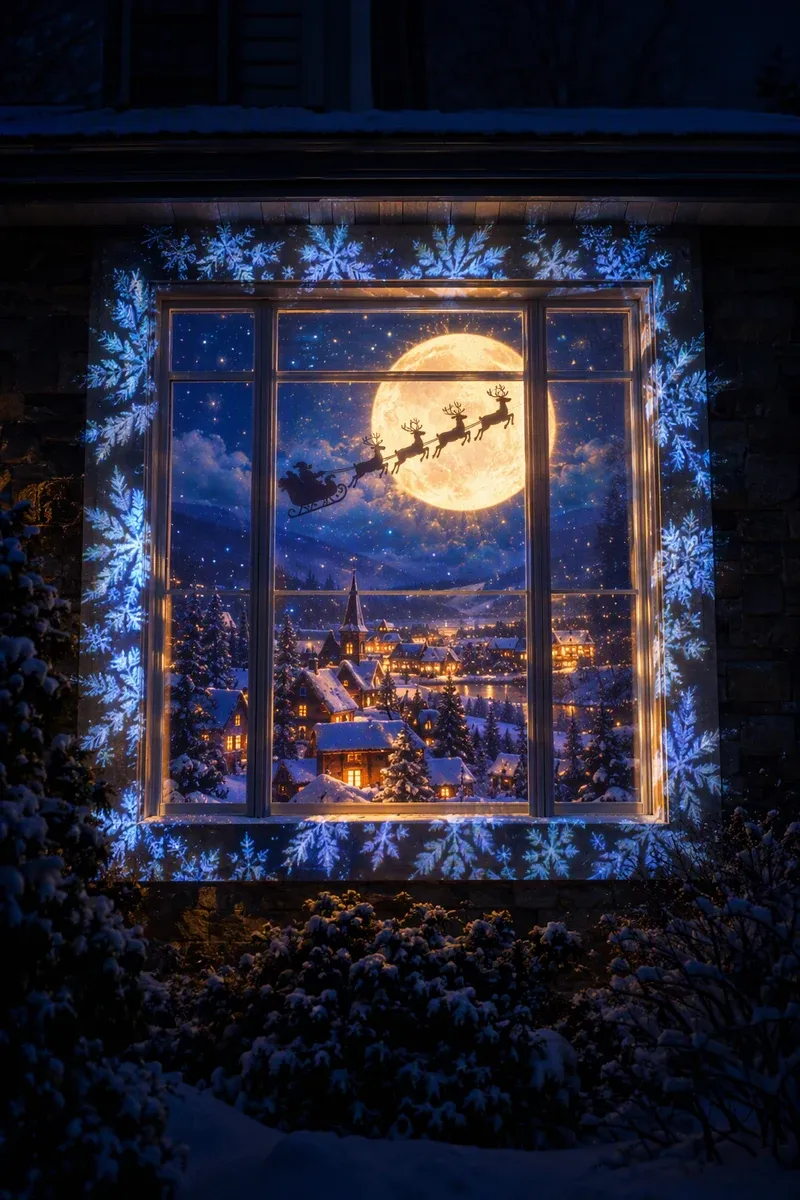 Pro
Pro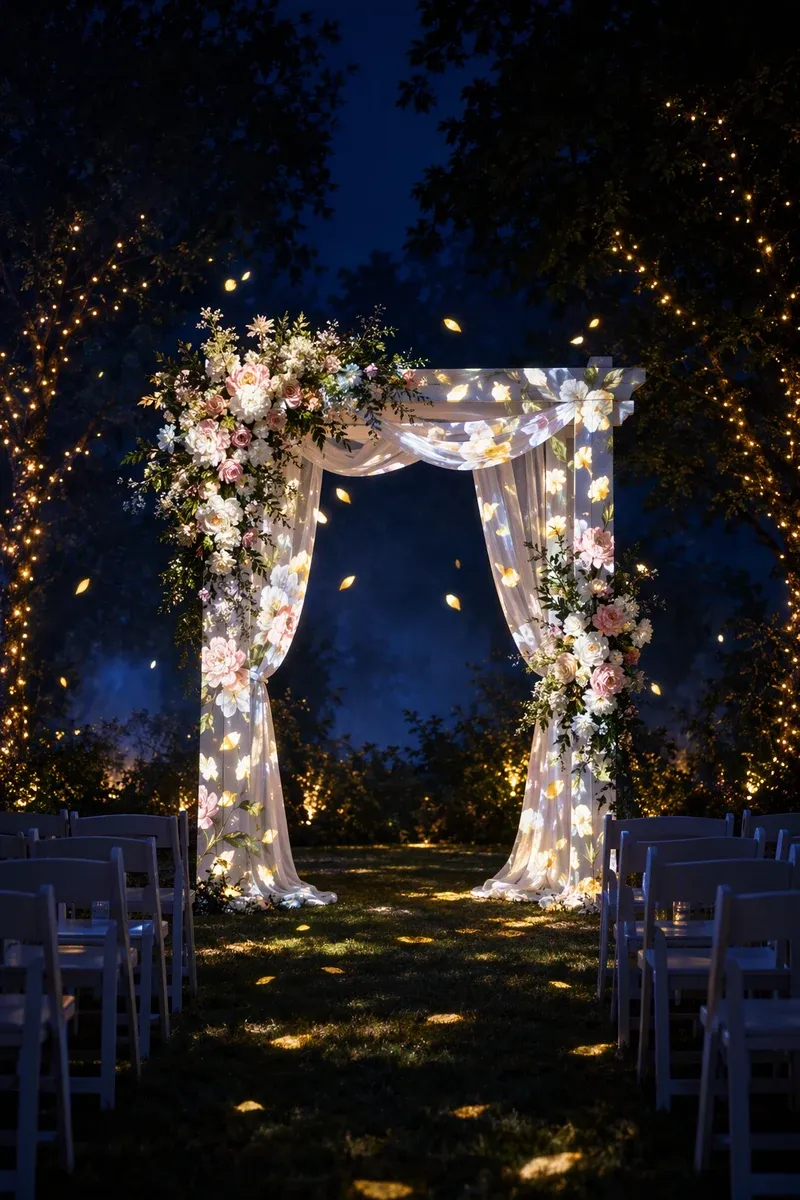 Pro
Pro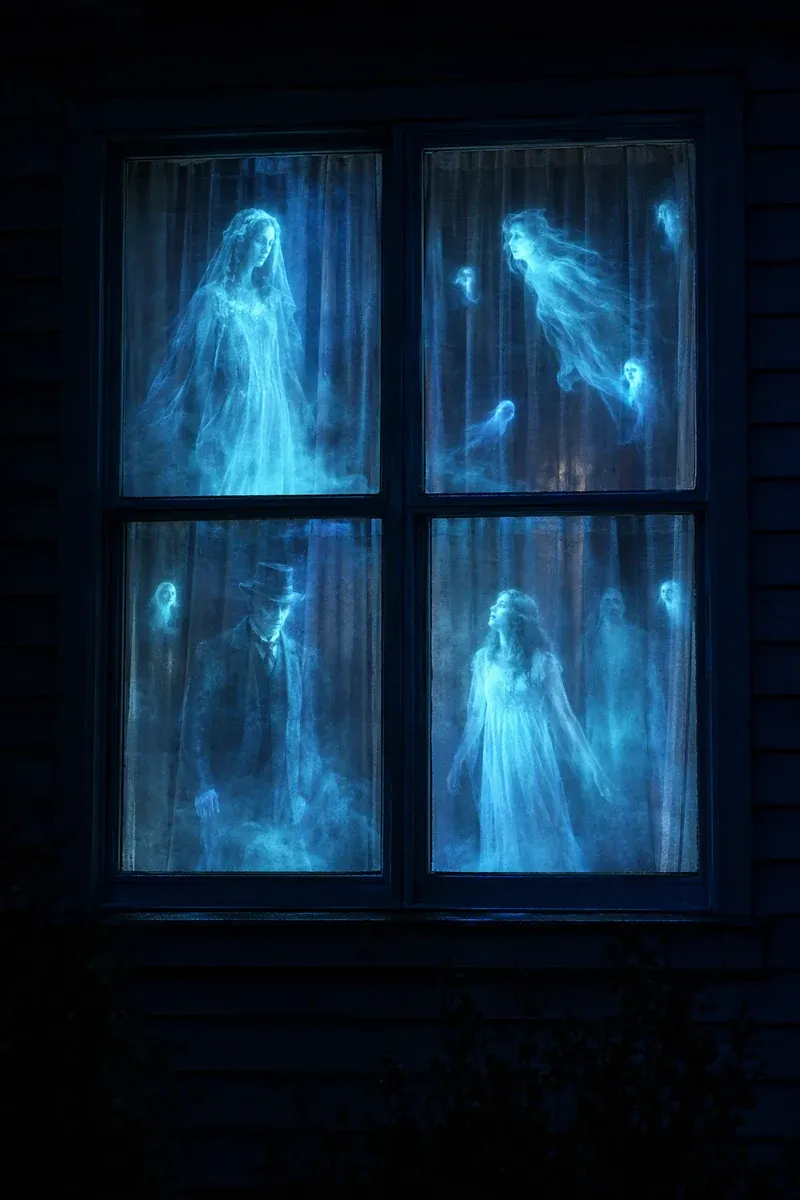 Free
Free
Template art shown is illustrative. The launch catalog is planned to grow with new drops every season.
Why Glowcast
Everything the night needs.
Fits your real room
Every scene is built from slots like Wall, Ceiling, Window and TV mask, so the light lands exactly where you want it, not as a flat rectangle.
Make it yours
Put “Happy 7th birthday, Mia” across the wall, family photos in the frames, or a message for date night.

Moves with the music
Visuals pulse to the beat using your phone’s microphone. Sound is analysed on the device and never recorded.

Sleep timers and schedules
Fade the ocean out after 30 minutes at bedtime, or start the aurora every evening at eight.

Plays without your phone
Export a seamless 5–10 minute loop at your projector’s native resolution for a USB stick or streaming stick.

Private by design
No account needed, no ads, no tracking. Your photos and scenes stay on your device.
All year
A show for every night of the year.
New shows drop ahead of every season, so your Halloween house is ready in August and your Christmas window before the first frost.
 Calm eveningsEvery night
 BirthdaysAll year
 Parties & DJAll year
- Kids’ roomsAll year
 HalloweenScenes drop mid-August
 ChristmasScenes drop late October
 New YearDecember
 Weddings & dinnersAll year
Pricing
Free to start. Fair when you want more.
Your first show is on us, without a watermark. Subscribe, buy once, or grab a pass just for the season.
Free
$0forever
8 starter scenes
- Guided fit for walls, ceilings and windows
- Preview on a photo of your room
- Projector output (small badge after your first show)
- Text and colour customisation
- Best value
Pro Yearly
$39.99per year
7-day free trial · just $3.33/mo
- Every scene and new seasonal drops
- No watermark
- Your photos, names and video
- Music-reactive scenes and sleep timers
- Phone-free loop export
- Seasonal
Season Pass
$14.9960 days
One payment · never auto-renews
- Everything in Pro for 60 days
- Perfect for a party season or the holidays
- No subscription to cancel
Lifetime
$79.99once
Pay once, keep Pro forever
- Everything in Pro, for good
- All future scenes
- Great for families, shops and performers
Planned launch pricing in US dollars; local prices are set by the App Store and Google Play. Pro Monthly will be $6.99/month. Subscriptions renew automatically until cancelled in your store account settings.
What is Glowcast?
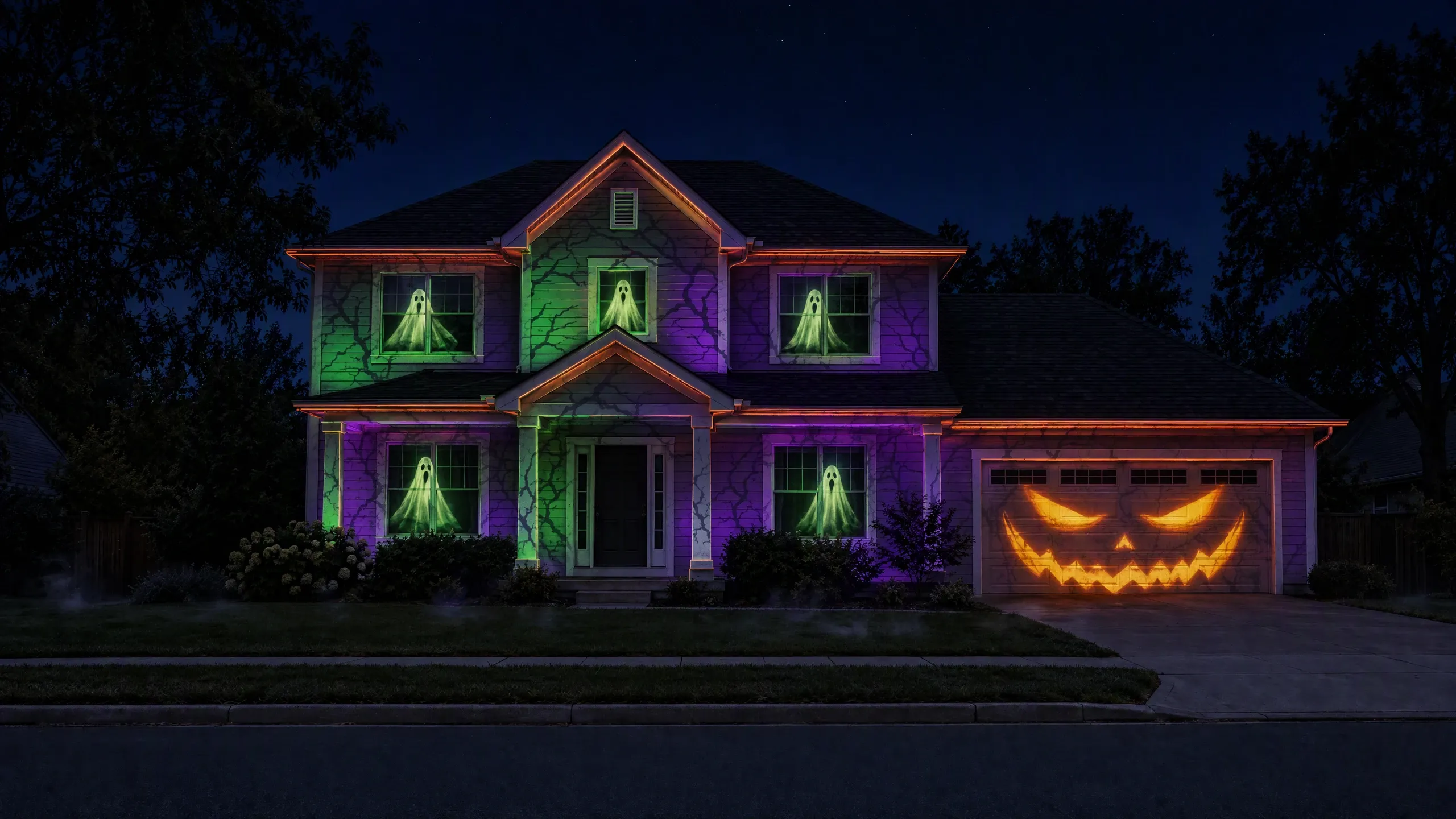
Glowcast is a projection mapping app for iPhone and iPad made by AppFusion. You connect your phone to a projector, choose a ready-made scene, such as a calm aurora for the living room, an underwater world for a kids’ bedroom, a birthday wall or a haunted house front, fit it to your real walls, windows and objects, and press play. It is planned to launch on the App Store in 2027.
Can I use Glowcast inside my home?
Yes, that is what most people do. Project onto a living-room wall, a kids’ bedroom ceiling, a sheer window curtain, the wall around your TV, a dinner table or empty picture frames. Glowcast lets you mask out things like the TV or a shelf so the light only lands where you want it.
What projector do I need for a room?
Almost any small projector works indoors. For a dim living room or bedroom, around 300 to 1,000 lumens is plenty; a short-throw projector helps in small rooms. For the ceiling, set the projector on a nightstand pointing up. You connect it with a USB-C or Lightning to HDMI adapter, or wirelessly with AirPlay.
What is projection mapping?
Projection mapping means projecting video onto real objects and surfaces, like a wall with a TV on it, a ceiling, a window or a house, so the light follows their exact shape instead of showing up as a flat rectangle. Glowcast handles the fitting for you with guided, corner-by-corner placement.
Is it renter-friendly?
Completely. Glowcast changes your room with light only: no paint, nails, stickers or wallpaper. Turn it off and the wall is exactly as it was.
Do I need a laptop or design skills?
No. Everything runs on your iPhone or iPad. You pick a scene, drag its corners onto your wall, and press play. There is no timeline editing or video software to learn.
When does Glowcast launch, and on which devices?
Glowcast is planned for iPhone and iPad (iOS and iPadOS 17 or later) in 2027. Android and an Android TV receiver are planned after the iOS launch. Join the waitlist to hear the moment it is available.
How much will Glowcast cost?
Glowcast will be free to download with eight starter scenes. Glowcast Pro unlocks every scene, removes the watermark and adds photos, music-reactive scenes, sleep timers and phone-free playback. Planned US pricing is $6.99 per month, $39.99 per year with a 7-day free trial, $79.99 once for lifetime access, or a $14.99 Season Pass that covers 60 days and never renews.
Does Glowcast record audio or upload my photos?
No. Music-reactive scenes analyse sound on your device and never record or upload it. Photos you add, and photos you take of your room for previews, stay on your device.
Can I light up the outside of my house too?
Yes. Glowcast also has shows for house fronts, garages, windows and storefronts, with guidance on brighter projectors and outdoor setups. See the Outdoor & business page.
Early access
Be first in line when the lights go up.
Glowcast lands on iPhone and iPad in 2027. Join the list for launch day, early Season Pass pricing and the first seasonal drops.